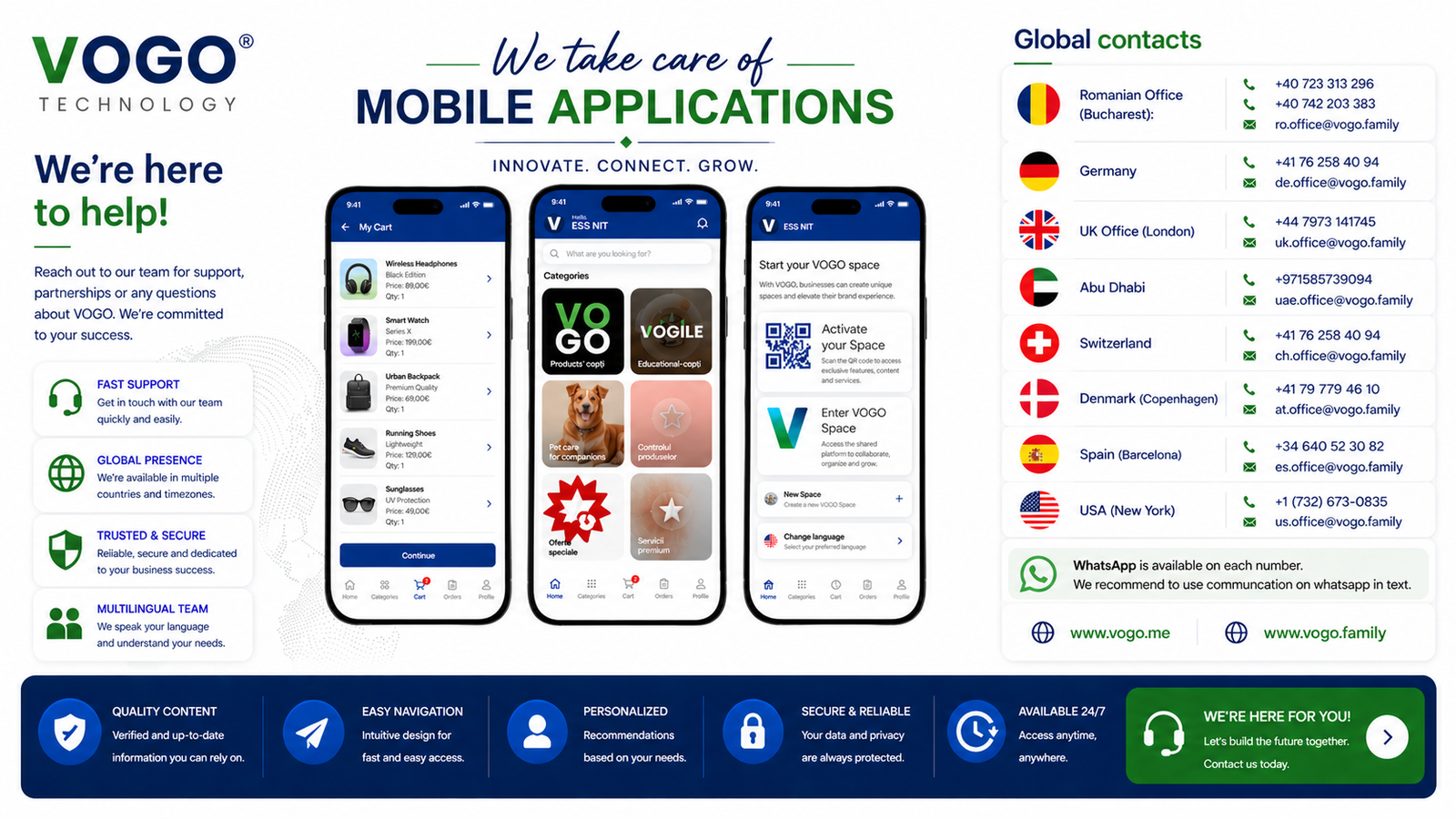







Video demo
See in action — the VOGO mobile app.
For those who want to see before reading documentation, we prepared real video guides. Not long screencasts with much talk — short clips, focused on concrete actions: how you publish the app in App Store, how you configure pushes, how you launch first sale through the app, how you monitor orders in the panel.
The video content reflects real cases from VOGO clients. The mobile flow is identical regardless of your origin platform (Shopify, WooCommerce, PrestaShop, BigCommerce, Salesforce Commerce) — integration is done through standard feeds or native APIs, without modifications to your existing shop.
What you'll see: setup in the first 30 min after account activation (logo, palette, first product), preparation for App Store/Google Play (D-U-N-S, icons, screenshots, description), app submission, publishing, first push to customers, order monitoring in Brand Control Center, AI chatbot configuration for multilingual support. For those with limited time — each clip is under 5 minutes.
Video catalog
Available video tutorials.
Each tutorial is short and focused. Choose the topic relevant to you and watch only what you need.
1. First setup (4 min)
Account activation, logo upload, palette selection, first product. Tour of Brand Control Center sections.
2. Catalog import & sync (3 min)
Connect your platform (Shopify/WooCommerce). Initial product import. Webhooks setup. Validate sync.
3. App Store / Google Play submission (5 min)
D-U-N-S Number obtaining, Apple Developer account, App Store Connect setup, screenshots, description. Same for Google Play Console.
4. First push notification (2 min)
Compose campaign, segment users, schedule, launch. View results: delivery, open rate, conversions.
5. AI chatbot configuration (4 min)
Enable AI module, choose languages, train on your knowledge base, test responses. Escalation rules to human.
6. Order monitoring (3 min)
Daily order list, filters, status updates, packing slip generation, customer signature view.
Related resources
See also.
Next step
Want a live demo with the VOGO team?
Schedule a private session — we show you the panel with your data and answer questions.
Talk to a VOGO consultant
A private session — phone or WhatsApp. We respond on the same business day.
Or email us: info@vogo.family
Coverage
Global contacts.