





VOGO Mobile user guide
How to use VOGO Mobile App Builder — control panel + mobile app.
This guide covers both components of the VOGO Mobile App Builder solution: Brand Control Center (the web panel through which you configure and operate your app) and the mobile app itself (how your customers experience it on iOS and Android).
You'll see real screenshots from both interfaces — not mockups or marketing images. For each screen we describe its role in your operational flow: brand configuration (logo, color palette, splash screen), product catalog (initial import, sync with Shopify/WooCommerce/PrestaShop, attributes, variants, stocks), order management (status, delivery, billing), push notifications (segments, scheduled messages, efficiency per campaign), integrated AI (customer chatbot, recommendations, multilingual) and multi-space for those selling in multiple cities or countries.
The guide is structured for 3 user types: owner (strategic configuration, marketing, financial), operator (daily — orders, stock, push), technician (integrations, debugging, optimizations). Each can read only the relevant part, but we also have a "complete tour" mode for those who want the whole story.
VOGO Brand Control Center
The web control panel.
Brand Control Center is the central web interface where you configure all aspects of your mobile app. From any browser, anywhere — without installing anything. The interface is intuitive: left sidebar with sections, central area with content, save buttons in context.
Brand setup
Logo upload, color palette (primary, secondary, accents), customized splash screen, app icons in all required sizes for App Store and Google Play. Live preview on virtual device.
Product catalog
Initial import from Shopify/WooCommerce/PrestaShop. Automatic synchronization (real-time webhooks + scheduled feed). Manage variants, attributes, stocks, prices per market.
Order management
List of orders with filters (status, date, customer). Detail per order: products, prices, delivery, payment. Update status, view customer signature, packing slip generation.
Push notifications
Compose targeted campaigns (by city, by category interest, by purchase history). Scheduling, A/B testing, real-time results: delivery rate, open rate, conversions.
Integrated AI
Multilingual customer chatbot (RO/EN/DE/FR/ES), product recommendations based on browsing behavior, AI-driven personalization in app. Full configuration from Brand Control Center.
Multi-space
Manage multiple locations/spaces from one panel: separate stocks, prices, currencies, languages. For chains, franchises, multi-country expansion.
VOGO Mobile App
The iOS and Android mobile app.
The app your customers download from App Store and Google Play, under your brand. Native experience, optimized for performance, with offline-first support and AI-driven features.
Welcome screen & onboarding
Customized splash screen with your brand. Optional language picker (RO/EN/DE/FR/ES). Quick onboarding (skip-able), no forced registration.
Product browsing
Categories with hero images, products with image gallery, attributes, variants, prices, stock indicators. Filters, sorting, advanced search. Wishlist, "recently viewed".
Cart & checkout
Cart with coupon support, gift cards, multiple shipping methods. Checkout optimized for speed: guest checkout, Apple Pay / Google Pay, saved card. PSD2 compliant.
My account
Order history, tracking, returns. Saved addresses, payment methods. Loyalty program with points, tier status, rewards. Notification preferences.
AI chatbot
Multilingual support directly in the app — order status, product info, shipping questions, returns. Escalation to human agent when needed.
Push notifications
Customer receives personalized push: order updates, new arrivals, personalized promotions. Granular opt-in/opt-out from My Account.
Related resources
See also.
Our guide doesn't stop here. Recommendations for next step.
Next step
Want to see the panel in action?
Schedule a demo session with a VOGO consultant. We show you the screens with your data.
Talk to a VOGO consultant
A private session — phone or WhatsApp. We respond on the same business day.
Or email us: info@vogo.family
Coverage
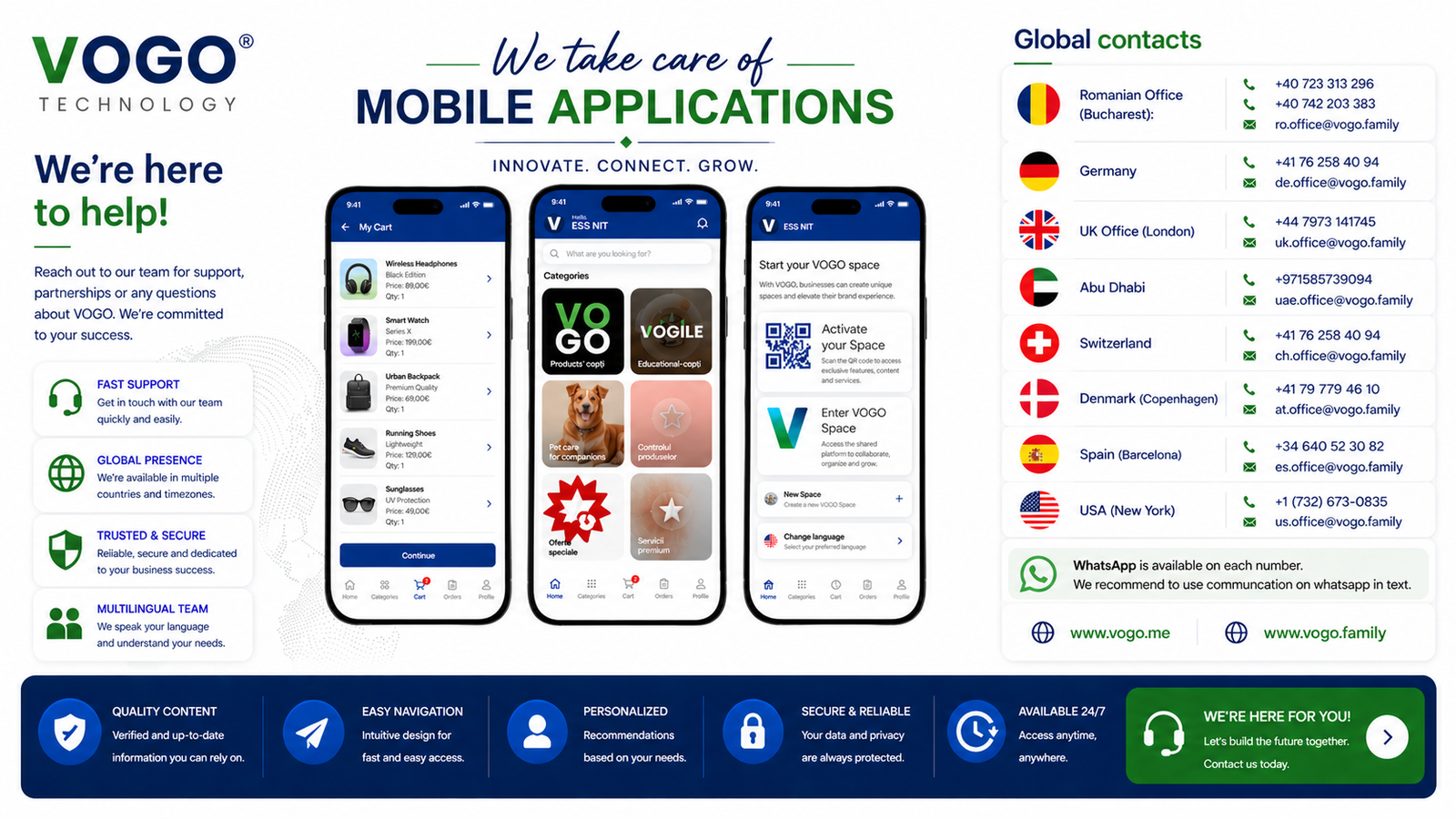
Global contacts.